
Map Area Calculator - Marea
Measure land area, fields & plots on a map
Measure Any Area on a Map
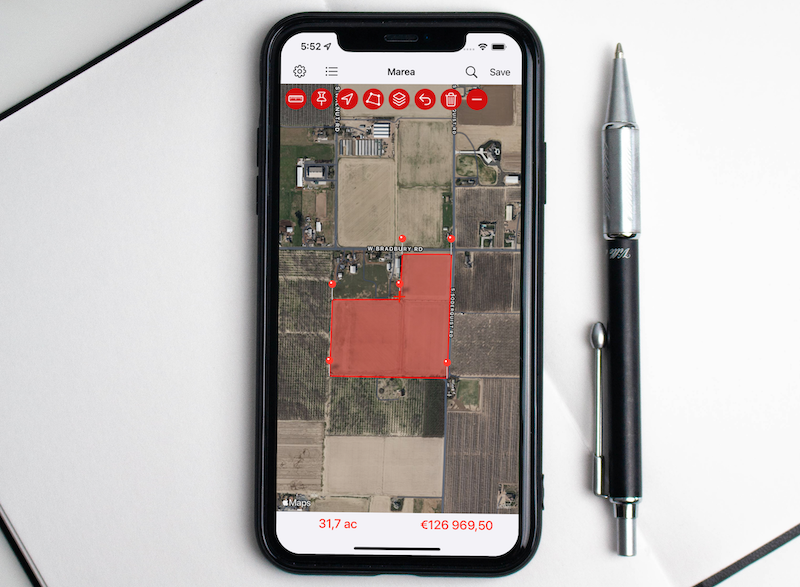
Marea turns any map into a precise area and distance calculator. Measure fields, plots, rooftops, lawns and lakes — anything you can see from above — in seconds. Drop pins, draw freehand, walk the perimeter, or auto-detect a plot already on the map.

Key Features
Four Ways to Measure
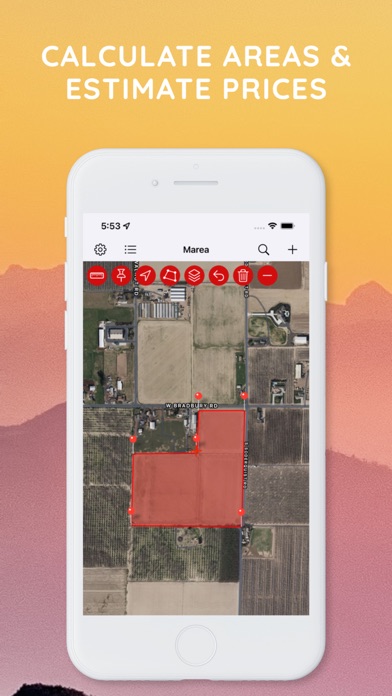
- Tap to drop pins around a region and get its area instantly
- Draw freehand with your finger and Marea traces the outline
- Walk the perimeter and GPS drops pins automatically as you go
- Auto-detect plots — tap to find buildings, fields and parks already on the map and turn one into a measurement in a single tap
Results in Every Unit
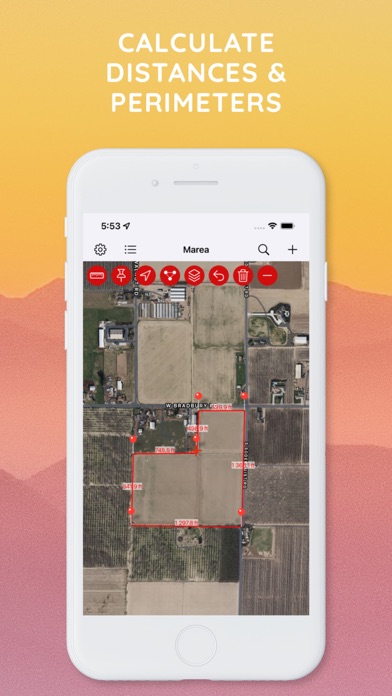
Area in square meters (m²), square feet (ft²), acres, hectares, square kilometers and square miles — plus the distance between every point in meters, feet, kilometers, miles and nautical miles.
Tractor Mode
Turn your phone into a field-coverage guide. Set your implement width and speed, then drive: Marea records each pass, draws your covered area live, and tracks total distance and worked acreage. Pause, resume and save passes.
Grid Overlay
Drop a measured grid over any plot to plan rows, sections or spacing — horizontal, vertical or both, with the spacing, direction and color up to you.
Project an Area
Pin a saved plot to the centre of the screen at its real size, then pan and rotate around it to plan, compare or align on the ground.
Satellite & Map Views
Switch between satellite imagery and map views to find property lines and boundaries with high-resolution detail. On iOS, switch between Apple Maps and Google Maps.
Organize & Estimate
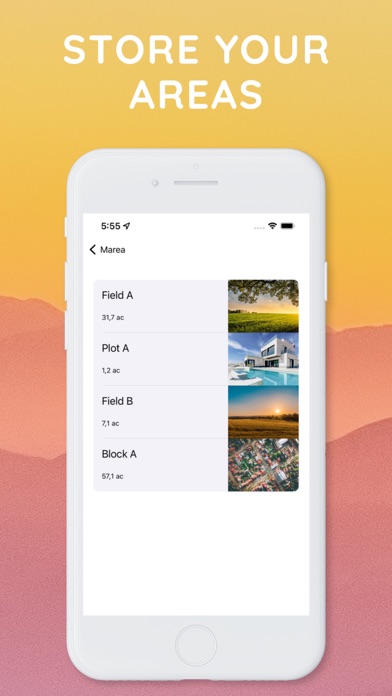
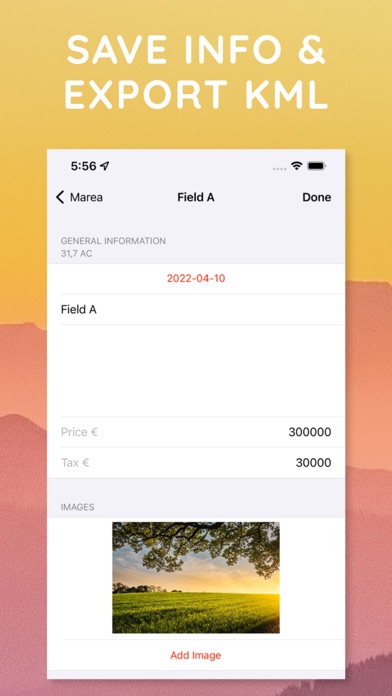
- Save your areas and revisit them anytime
- Drop labeled markers on the points that matter
- Keep a to-do list for every area
- Add notes and attach photos
- Estimate prices by multiplying any rate by the measured area
Share Links on the Web
Send a web link to any saved area — anyone can open it in a browser to see the polygon, its size and details, no app required, at mapareacalculator.com. You can also export a KML file or share a map image or PDF.
Perfect For
| Use Case | Description |
|---|---|
| Farming & Agriculture | Calculate field acreage, plan crop areas, and use Tractor Mode to track coverage |
| Real Estate | Estimate property sizes, lot dimensions, and check property lines and parcels |
| Roofing & Paving | Estimate roofing, asphalt, paving, turf and seeding quantities |
| Construction | Measure building footprints and job sites |
| Landscaping & Fencing | Plan garden layouts, outdoor spaces, and fencing perimeters |
| Land Surveying | Professional-grade area and distance measurements for boundary assessments |
| Solar Planning | Calculate roof areas for solar panel installation |
| Forestry & Conservation | Measure timber stands and managed land parcels |
How It Works
- Open the map - View your location or search for any address, in satellite or map view
- Mark the area - Tap to drop pins, draw freehand, walk the perimeter, or auto-detect a plot
- Get results - Instantly see the calculated area and distance in your preferred units
- Save or share - Store measurements, send a web link, or export as KML, image or PDF
Download
Download Marea and start measuring areas instantly.