
Distance Tool
Measure distances and areas on a map with GPS
Quick and Easy Distance Calculations
Distance Tool allows for quick and easy calculations to find distances between points on a map. Measure fields, plot boundaries, hiking trails, and more with precision and simplicity.

Key Features
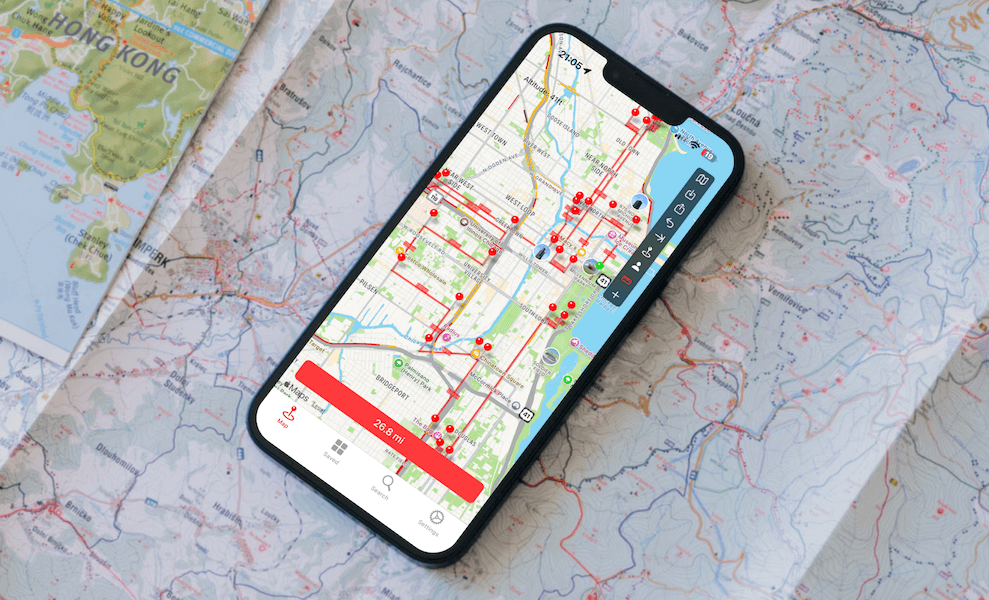
Distance Measurement
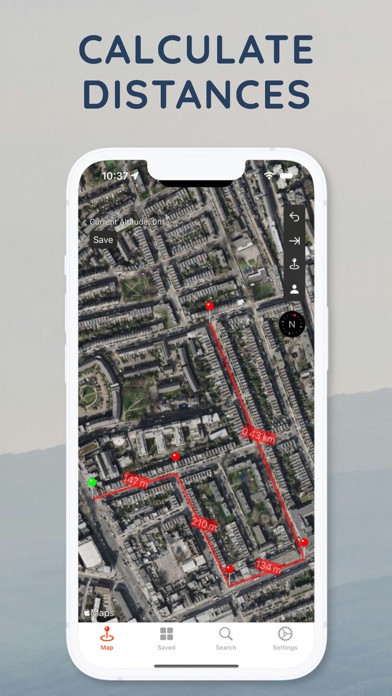
- Point-to-point distances - Tap multiple points to measure total distance
- GPS location - Drop pins at your current location
- Follow Mode - Calculate distances while walking or moving
- Altitude calculation - Include elevation in your measurements
Area Calculation
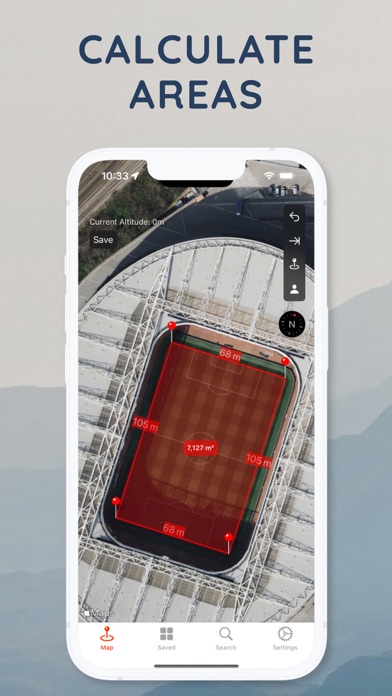
- Polygon areas - Calculate the area of any shape
- Multiple units - Switch between metric and imperial
Drawing Tools
- Freehand drawing - Draw custom paths and boundaries
- Precision placement - Accurate point positioning
- Interactive maps - Pan, zoom, and explore
Share Links on the Web
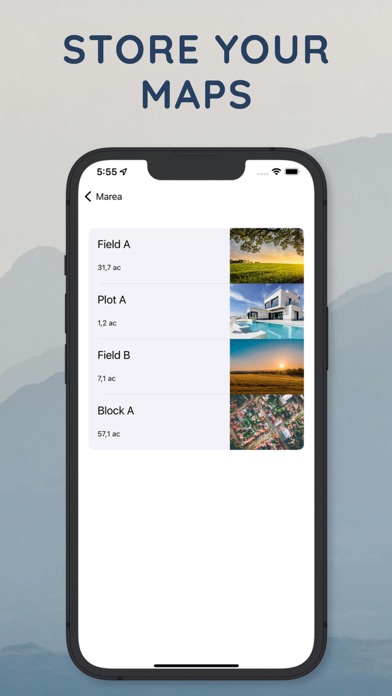
Share your distance and area measurements with anyone via a simple link. Recipients can open and view your map directly in their browser at distancemap.com — no app required.
Measurement Units
| Distance | Area |
|---|---|
| Meters | Square meters |
| Kilometers | Hectares |
| Feet | Square feet |
| Miles | Acres |
| Yards | Square yards |
Perfect For
- Agriculture - Measure field sizes and crop areas
- Land Surveying - Calculate plot dimensions and boundaries
- Real Estate - Estimate property sizes
- Hiking & Running - Plan and measure trail distances
- Construction - Measure building sites and perimeters
- Golf Courses - Calculate distances to holes and hazards
- Urban Planning - Measure streets and development areas
How It Works
- Open the map - View your location or search for any place
- Drop points - Tap to place markers on the map
- See measurements - Distance and area calculated automatically
- Switch units - Choose your preferred measurement system
Download
Download Distance Tool and start measuring distances and areas on maps.